
⇄
01 / Everyday packaging
A familiar item. A new word.
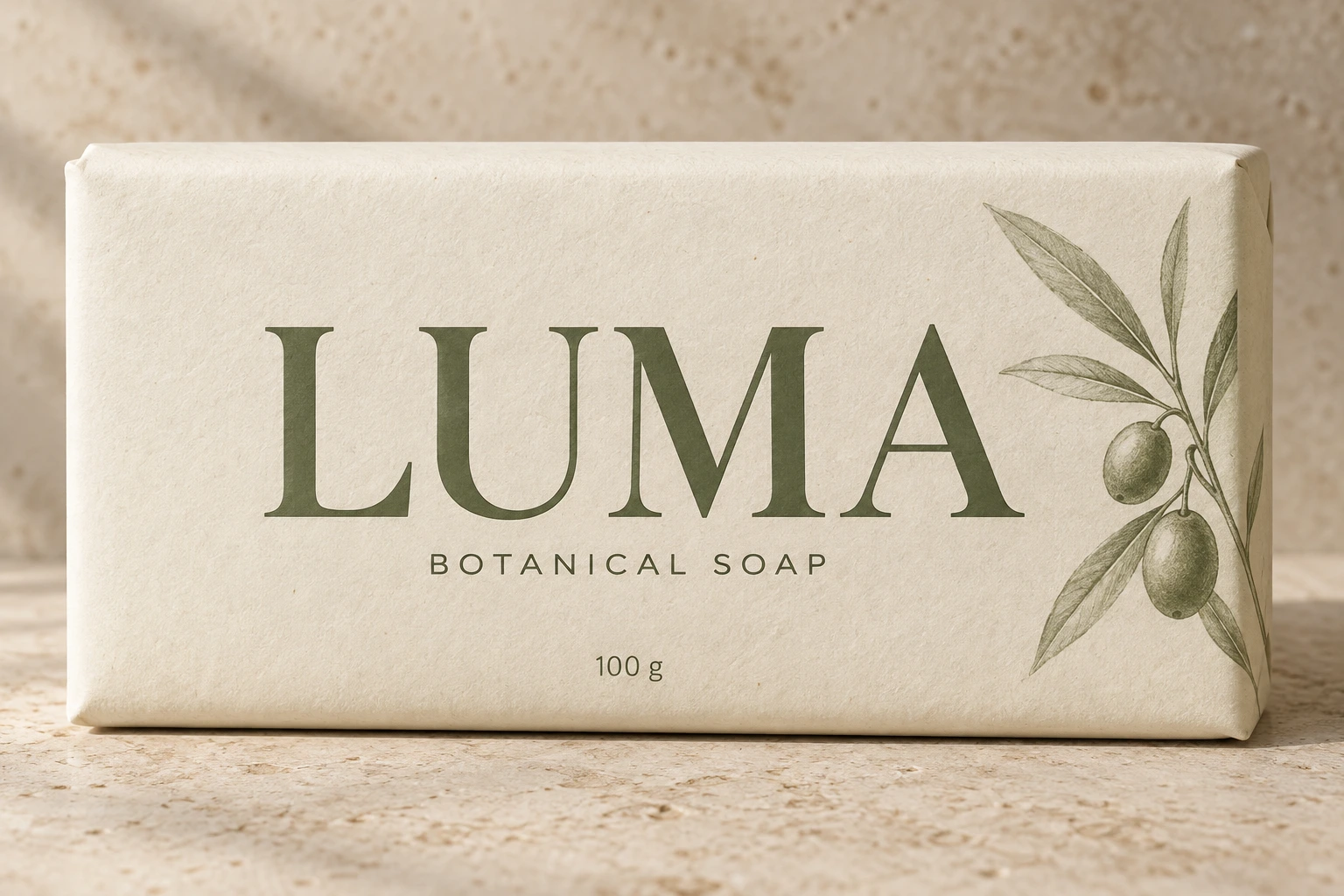
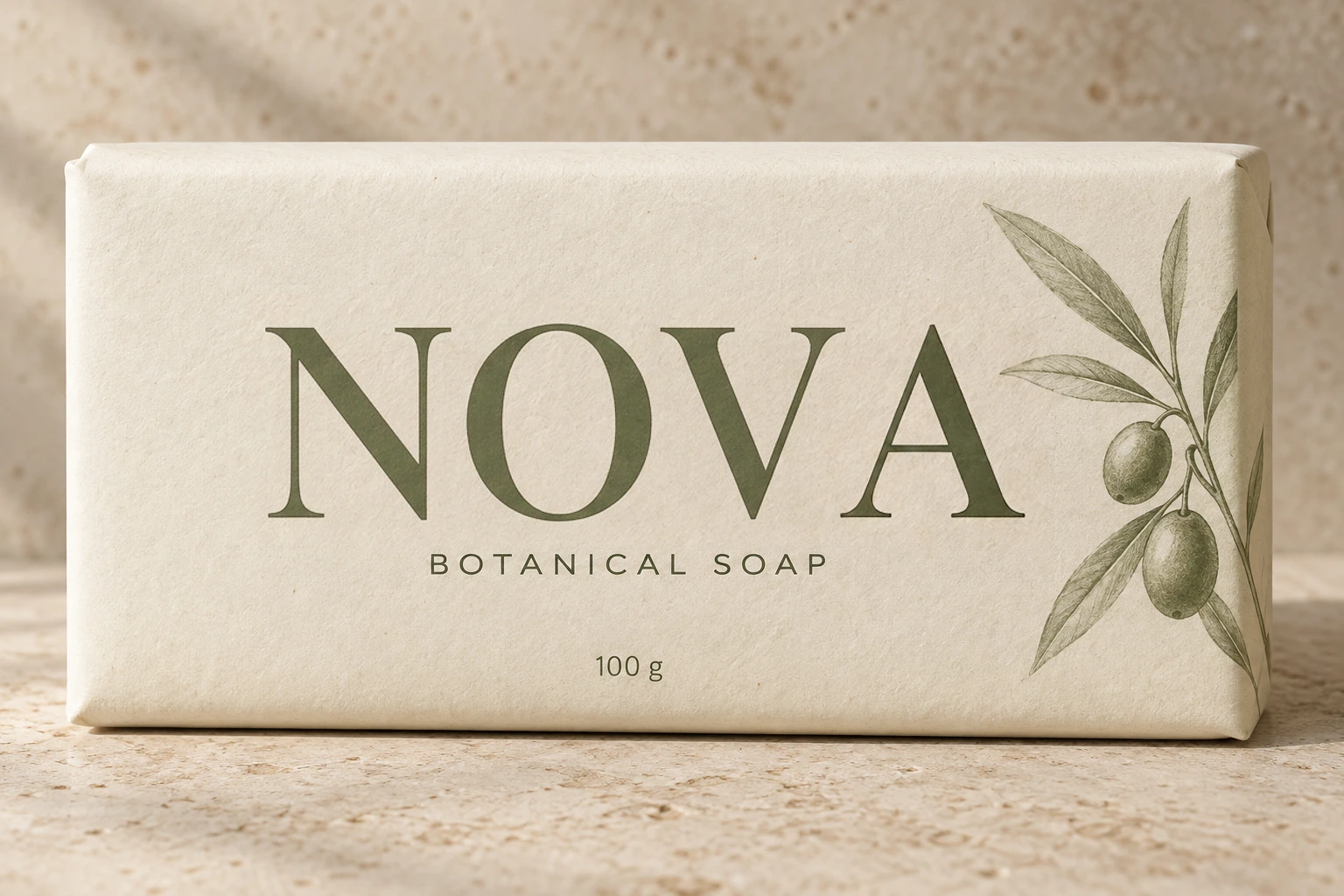
Change the brand name on a generated soap package. Compare the type style, paper texture and shadows.
Same font, same style
Change the words and aim for a similar lettering style. Compare the result before you confirm.
Free to try · No account to start
Sign up to download. Free exports include a mark.
Upload the picture, click the words you want to change, and type what they should say instead. The tool reads the lettering that is already there — its weight, width, spacing and colour — and redraws that part of the image so the new words are set the same way. You do not identify the font, hunt for a lookalike, or match anything by hand.
That is different from what a design tool does. Canva or Photoshop can put a fresh text box over the old words, but the old words are still underneath, the patched background rarely matches, and the font is whatever you happened to find. Here the original words are gone and what replaces them belongs to the picture.
It is worth being precise about what "same font" means. The tool is not locating and loading the font file the designer used — that file usually cannot be recovered from a flattened image at all. It reproduces how the type looks. On clean, flat lettering the difference is invisible. On unusual display faces it is not, and this page tells you where that line sits.
Change the brand name on a generated soap package. Compare the type style, paper texture and shadows.
Drag to compare · Generated scenes edited with RetypeWords.
This is an archived evaluation result, not a guarantee for every image. Inspect spelling, lettering and surrounding details before confirming your own result.
Three steps. Nothing to install, no design skills.
Drop in a PNG, JPG or WebP. A scan finds the words already in the picture and draws a box around each one. Correct any character it misread — a wrong character here becomes a wrong character in the result.
Click a box and type what it should say. A length indicator warns you when the new wording is much longer or shorter than the old, because that is when spacing starts to look wrong.
Compare the edited areas with the original and review any warnings before downloading. AI redraws the whole image and may change details outside your selection.
The useful version of this page. Style matching is not uniform — it depends on what kind of lettering you point it at.
This is why the result is shown to you magnified before anything is delivered. On the items in the right-hand column you should expect to look carefully, and sometimes to decide the result is not good enough — which costs you nothing.
About matching type when you edit text in an image.
Bring the picture. You do not need the source file, the font, or a design tool.
Edit an image