
⇄
01 / AI-generated lettering
Give the words another go.
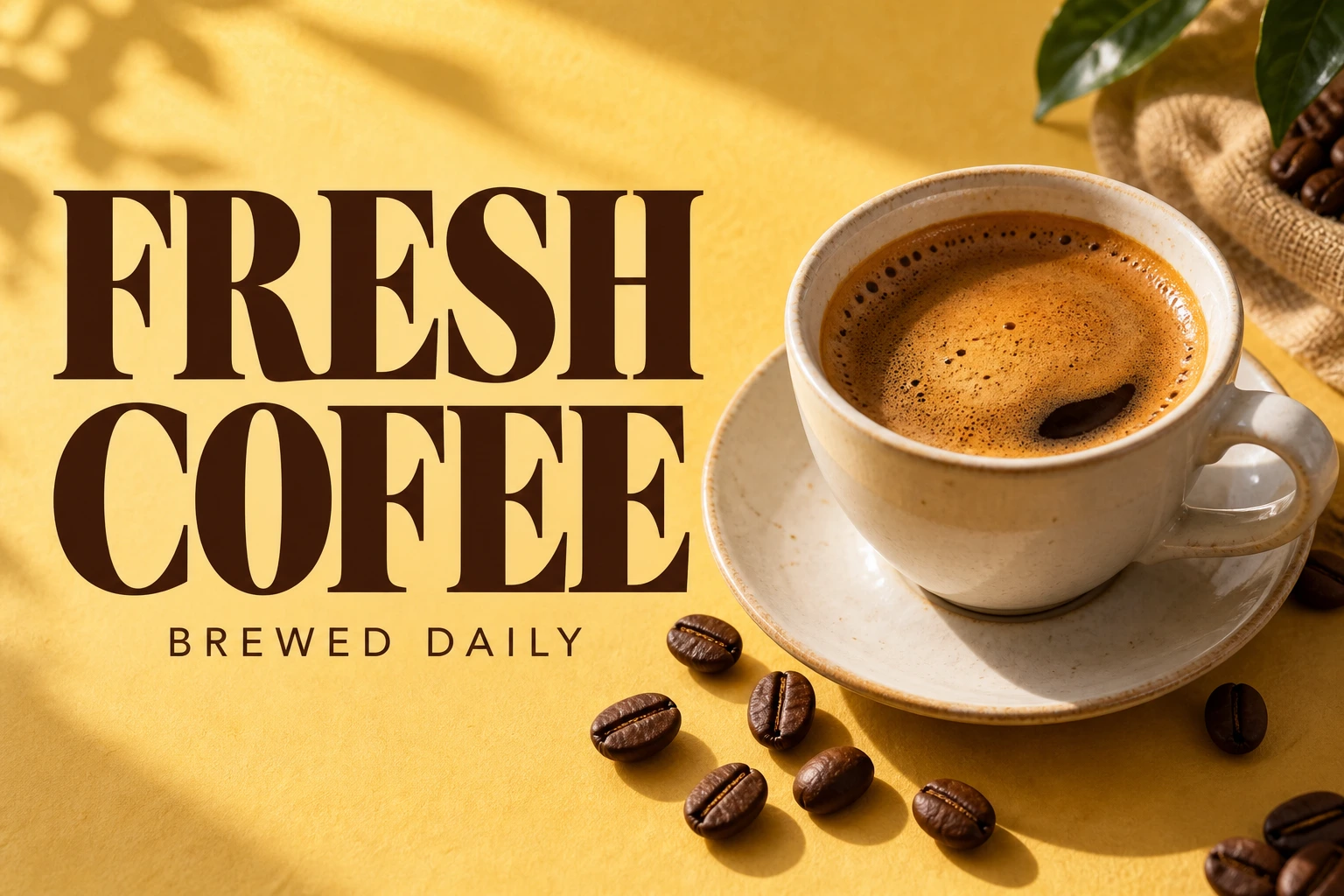
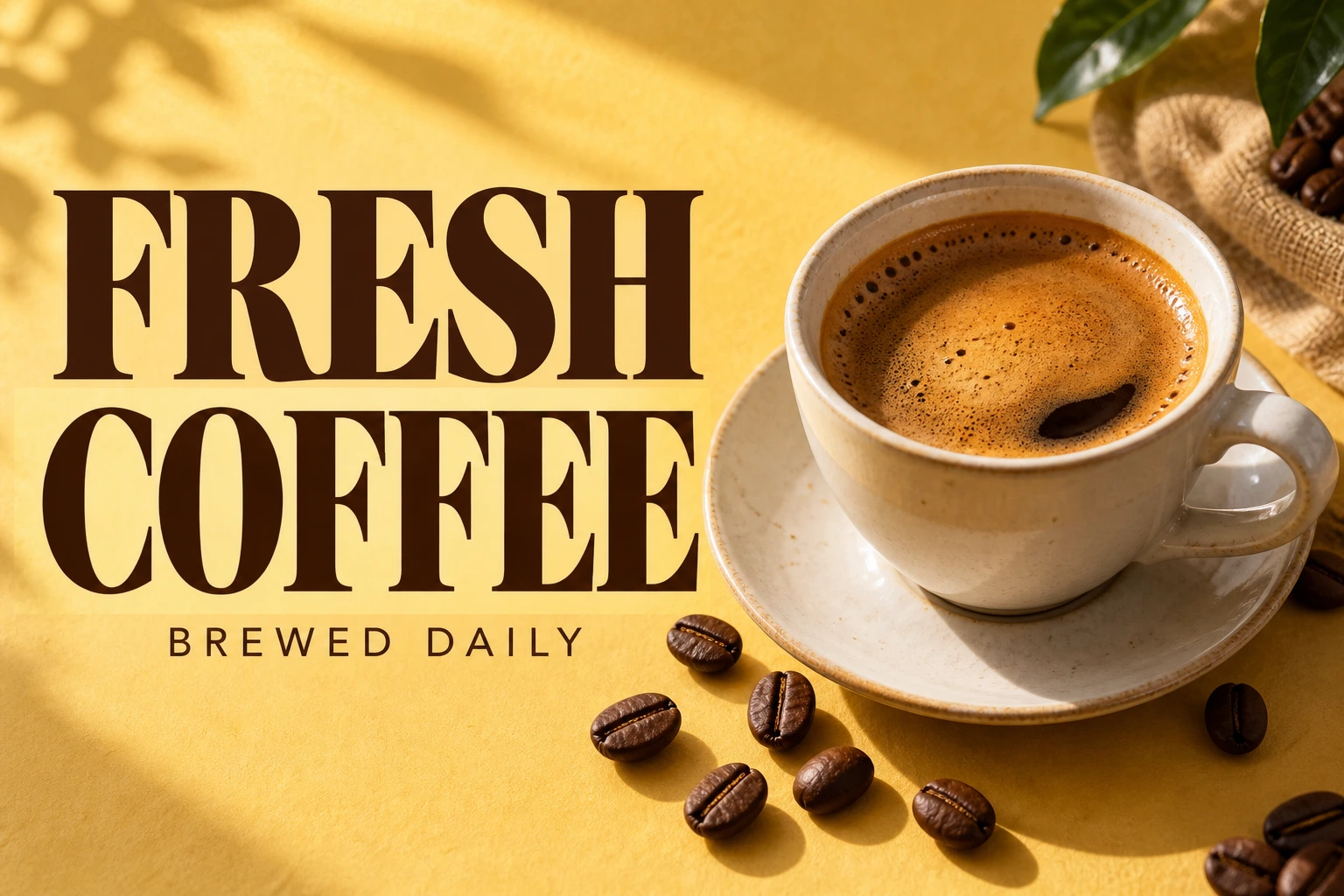
Correct a spelling mistake in a generated coffee ad. Compare the corrected word and the rest of the artwork.
AI image text editor
Replace misspelled or unwanted AI lettering. Check the new words and nearby details before downloading.
Free to try · No account to start
Sign up to download. Free exports include a mark.
Upload the generated image, click the letters that came out wrong, and type what they should say. The tool redraws just that region with correct wording, matching the lettering style the generator produced. The composition, the lighting, the subject and everything else in the frame stay as they are.
This is a different operation from regenerating. When you send the prompt back to an image model you get a new image — new composition, new lighting, sometimes a new subject — and the text may still be wrong. You are trading a picture you liked for another roll of the dice. Editing only the words is the smaller, more predictable change.
Image models render text as shapes that look like letters rather than as text, which is why the failure is so characteristic: correct-looking typography spelling something that is not a word. That shape data is exactly what makes these images good candidates for editing — the lettering is usually flat, evenly lit and cleanly rendered, which is the case this tool handles best.
Correct a spelling mistake in a generated coffee ad. Compare the corrected word and the rest of the artwork.
Drag to compare · Generated scenes edited with RetypeWords.
This is an archived evaluation result, not a guarantee for every image. Inspect spelling, lettering and surrounding details before confirming your own result.
Three steps. The image you keep is the one you already approved.
Drop in the PNG or JPG straight from whichever model produced it. A scan marks the text regions it can find. Garbled lettering often scans as nonsense — that is expected and does not matter, because you are about to replace it anyway.
Click the region and type the correct wording. If the scan read the garbled original as something odd, leave it — what matters is the replacement text. Keeping the new wording close in length to what is on the image gives the cleanest result.
The edited area is shown magnified against the original, and anything else that shifted is flagged. This check matters here: the whole frame is redrawn, so a second piece of text elsewhere in the image can change even though you did not touch it.
Generated images are among the better cases for this tool, but not uniformly.
Because the whole frame is re-rendered, other text in the picture can change even when you only asked for one fix. That is flagged and shown to you, and it is the single most common surprise on this kind of image — generated posters often carry several blocks of text at once.
About correcting text that an image model got wrong.
One edit, no account. If the fix is not clean, do not approve it — it costs you nothing.
Fix the text