
⇄
01 / Storefront lettering
A new name. Same place.
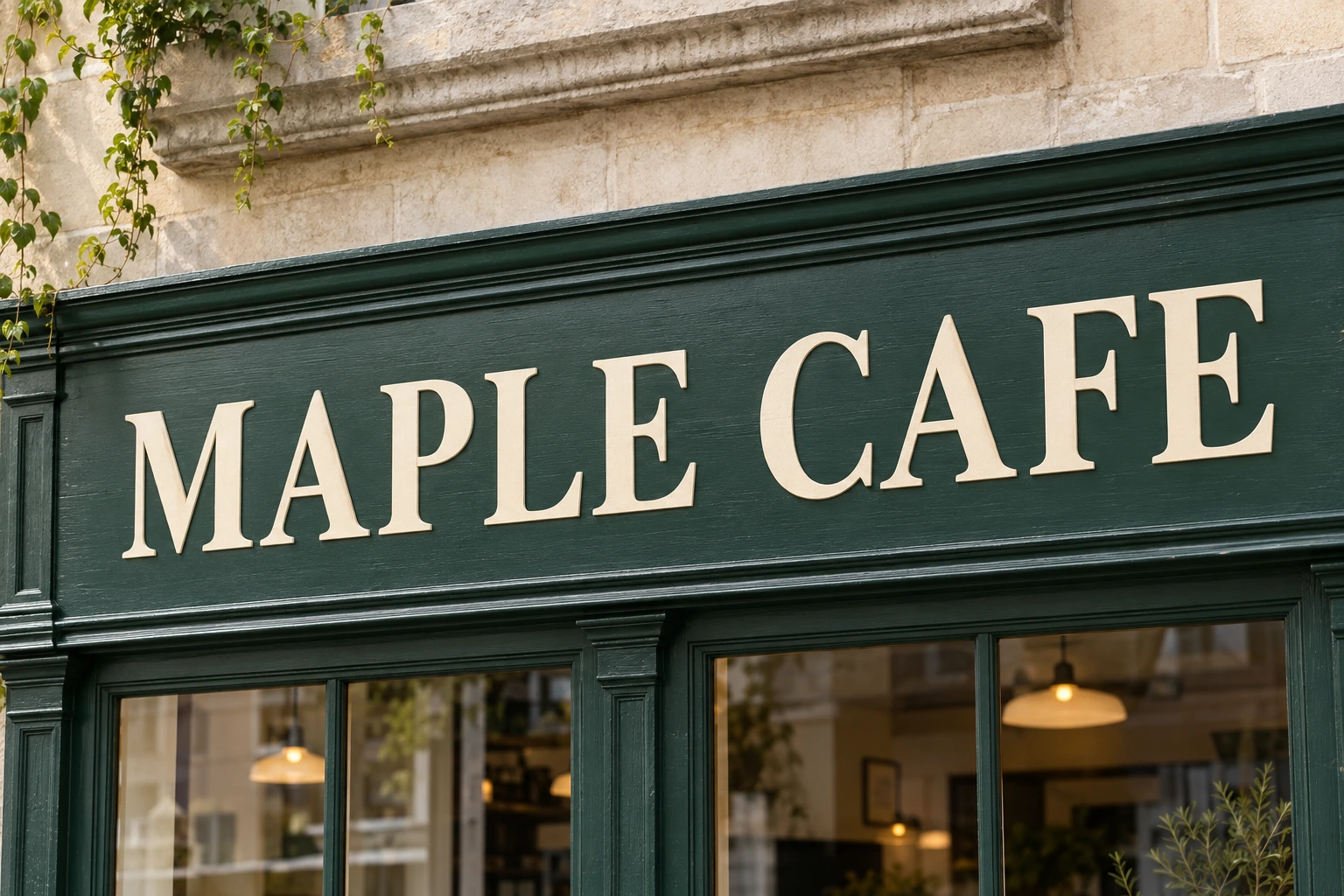
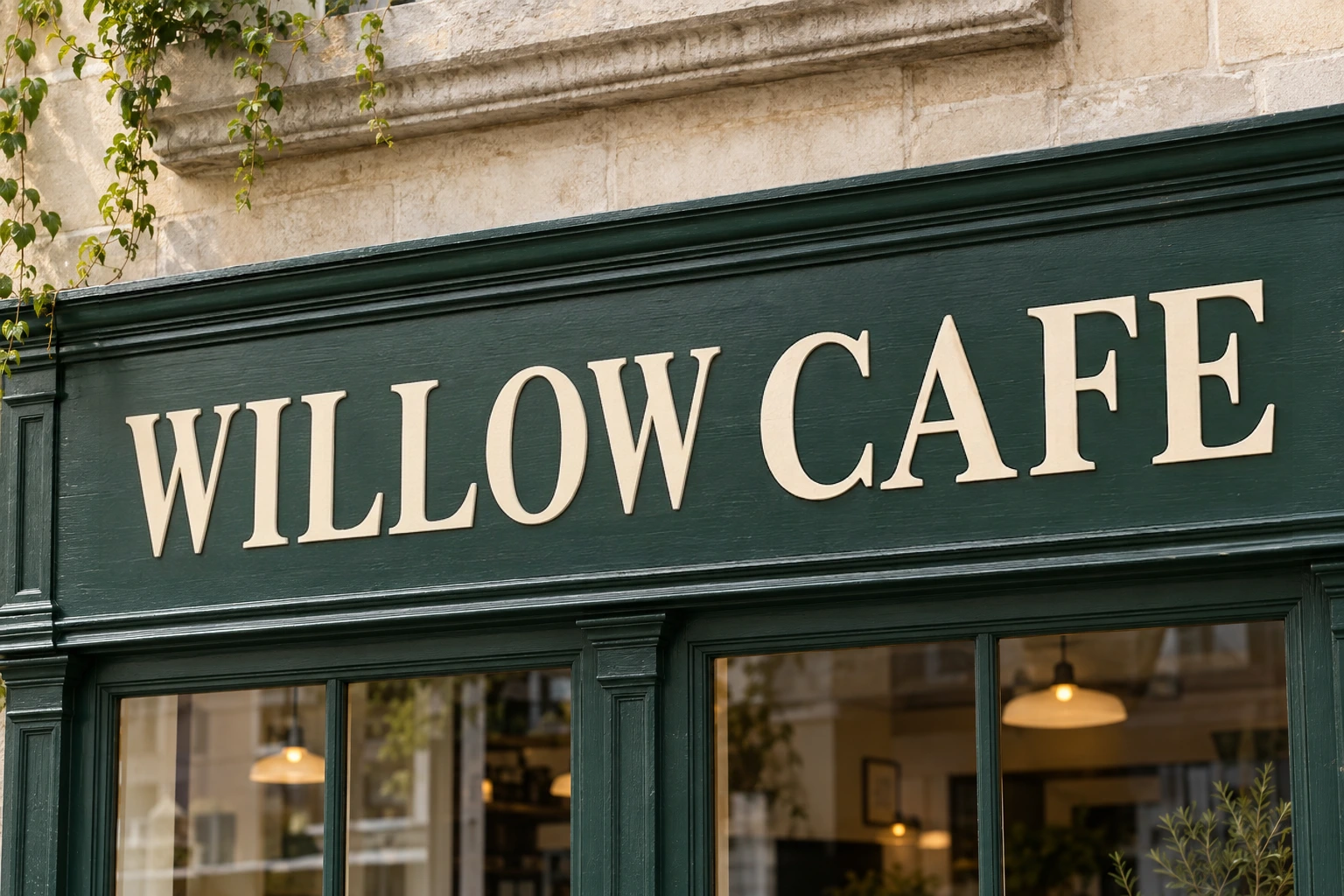
Rename a cafe sign in a generated street scene. Compare the lettering, perspective and surrounding frame.
Photos, not just artwork
Update words on a photographed sign, label, or package. Start with the photo you have.
Free to try · No account to start
Sign up to download. Free exports include a mark.
Upload the photograph, and a scan marks the words it can read in it. Click the ones you want changed, correct anything the scan misread, and type the replacement. The tool redraws that part of the image so the new wording carries the same lettering, colour and lighting as the words it replaces.
Photographs are harder than artwork, and it is worth knowing why before you start. In a poster the type is flat, evenly lit and rendered digitally. On a photo the same words might be lit from one side, slightly out of focus, printed on a curved surface, or shot at an angle. All of that has to be reproduced, not just the letterforms.
So this page does not promise that any photograph will work. It tells you which ones usually do, which ones usually do not, and gives you a way to find out for free before you commit anything. **Every result is presented for your approval — this is assisted editing, not an automatic service.**
Rename a cafe sign in a generated street scene. Compare the lettering, perspective and surrounding frame.
Drag to compare · Generated scenes edited with RetypeWords.
This is an archived evaluation result, not a guarantee for every image. Inspect spelling, lettering and surrounding details before confirming your own result.
Three steps. Nothing to install, no source file needed.
Drop in a JPG, PNG or WebP straight from a camera or phone. A scan finds the readable words and boxes each one. Words that are too small, too blurred or too low-contrast may not be found — you can draw a box around them yourself.
Click a box and type the replacement. Keeping the new wording close in length to the old one gives a noticeably better result on photographs, because the tool does not have to re-space the line as much.
Check the letter edges, lighting and details around the edited text. Photographed text may need closer review. You can use the remaining retries within the task at no extra credit cost; choosing not to download does not refund generation.
Photographs vary far more than artwork does, so the honest answer is: some, and here is how to tell which.
Check the letter edges, lighting and details around the edited text. Photographed text may need closer review. You can use the remaining retries within the task at no extra credit cost; choosing not to download does not refund generation.
About editing text in a photograph rather than in artwork.
One edit, no account. If the result is not good enough, do not confirm it — it costs you nothing.
Edit a photo