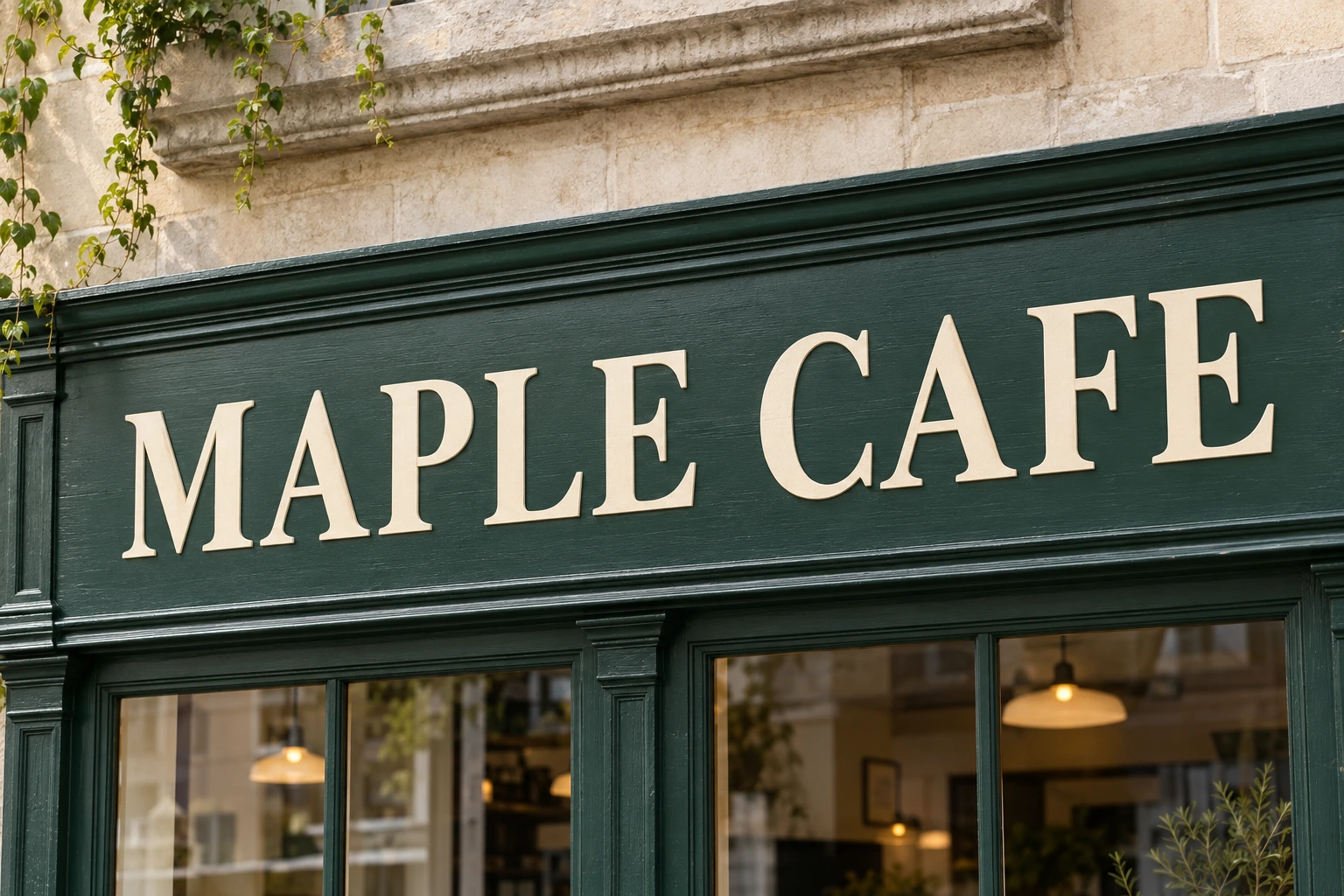
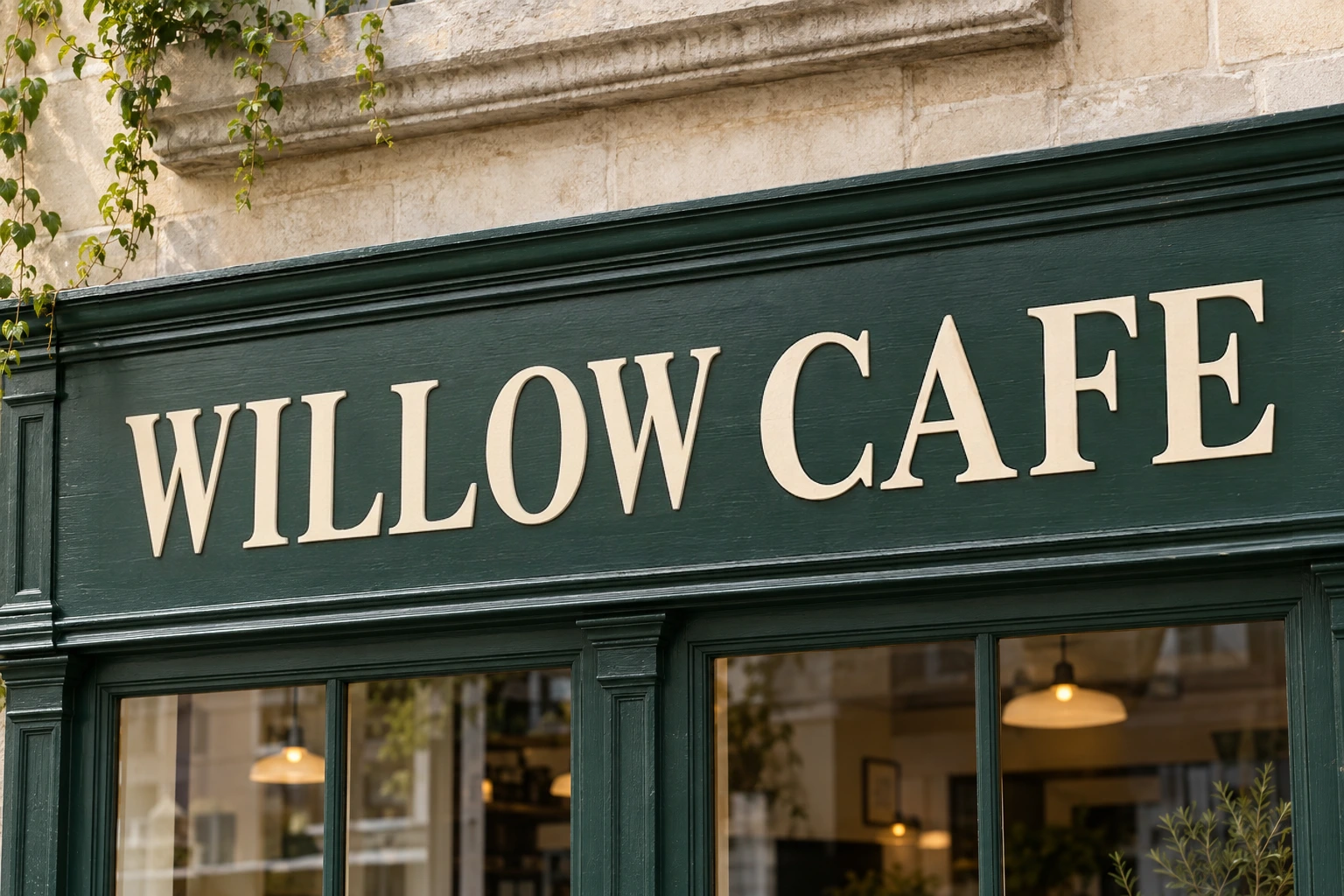
Edit Text in Any ImageFree, Online, No Sign-up
Pick the words already in the picture, type the new ones, and get them back matching the original font, colour, size, shadow and background. No Photoshop, no design skills, no account to try it.
PNG, JPG and WebP up to 8MB. You see exactly what changed before anything is delivered.
Workspace
See the case
The words change. The font, colour and background stay where they were.
- · Every result needs your confirmation before it is delivered.
- · One image is one credit, however many text boxes you change.
- · Files are deleted after 48 hours and are never used for training.
Not an overlay. The pixels actually change.
Design tools add a new text layer over the old words. That works until the background shows through, the font is wrong, or someone zooms in.
| What you are doing | Editing text in the image | Adding a text layer on top |
|---|---|---|
| The words already in the picture | Rewritten where they sit | Covered up, still underneath |
| Matching the original font | Read from the image itself | You hunt for a lookalike |
| The background behind the text | Rebuilt by the model | You patch it by hand |
| The source design file | Not needed | Not needed |
| Before you download | You compare and approve the result | Nothing to check |
How to edit text in an image
Three steps, no design skills, nothing to install.
- 1
Upload the picture
Drop in a PNG, JPG or WebP. A scan reads the words that are already in it and draws a box around each one.
- 2
Pick the words and retype them
Click a box, fix the detected text if the scan misread it, and type what it should say instead. Queue as many boxes as you like — it is still one image.
- 3
Compare, approve, download
You get the edited areas magnified side by side against the original. Nothing is charged and nothing is delivered until you say the result is right.
What this handles well, and what it does not
The honest version. Knowing where the edges are saves you more time than a longer feature list.
Works well on
- Flat, clearly rendered text — posters, banners, product shots, UI mockups
- English and digits on artwork that was made digitally
- Solid, gradient and lightly textured backgrounds behind the words
- Several text boxes in one picture, changed in a single pass
Not ready for
- Handwriting, script lettering and hand-painted signs
- Text on a curve, in perspective, or wrapped around an object
- Logos and lettering that carry a brand's identity
- Very small text, heavy compression artefacts and partly hidden words
Numbers, prices, dates and units are the hardest cases we measured — expect to check those closely, and to retry more often than with plain words.
What people change text in images for
From a one-word typo to a whole run of localised artwork. If the words are in the pixels, this is the tool.
Marketing posters and banners
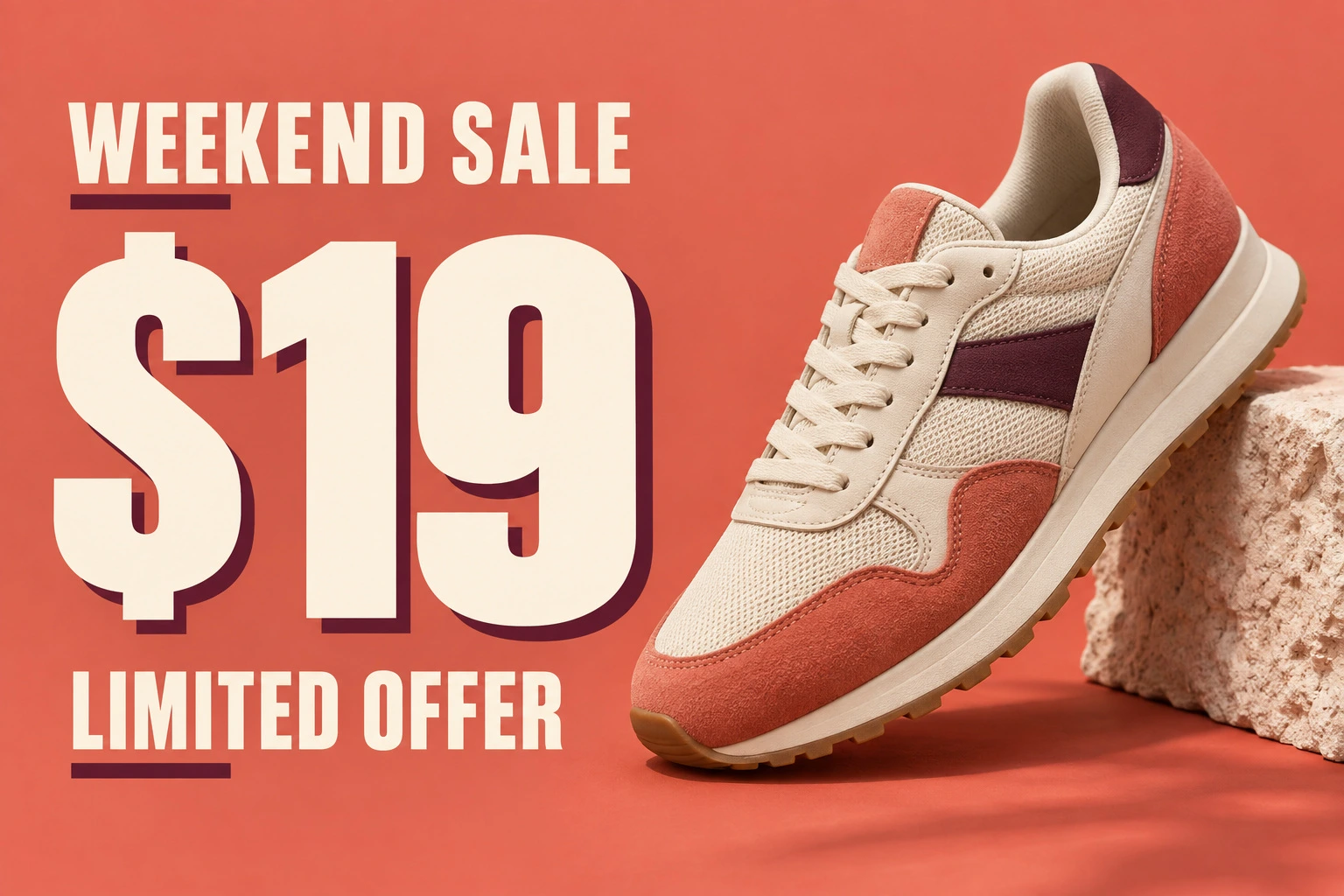
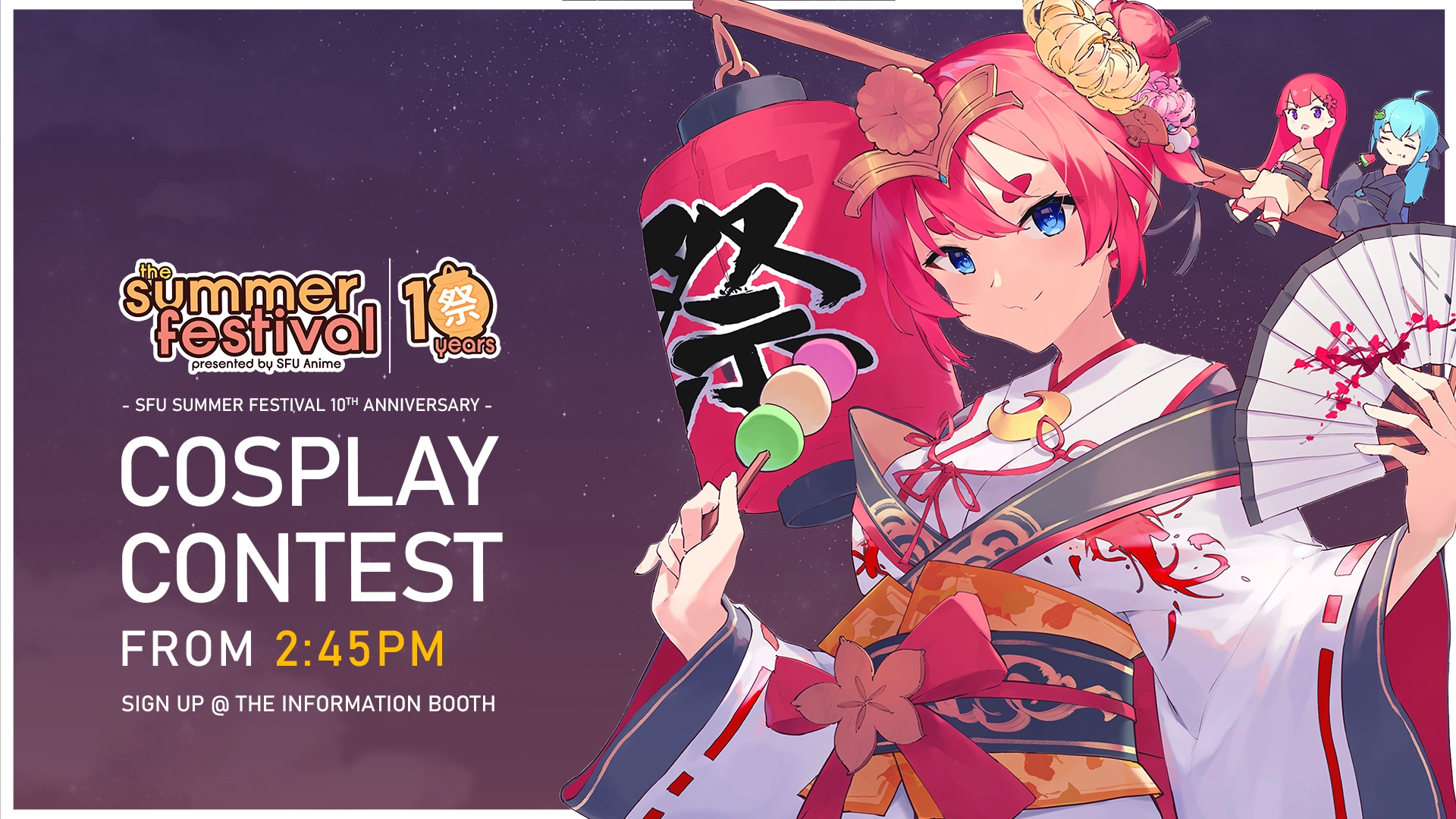
Change a date, a price or a headline on a finished design when the original file is gone and the designer has moved on.
Product, packaging and menus
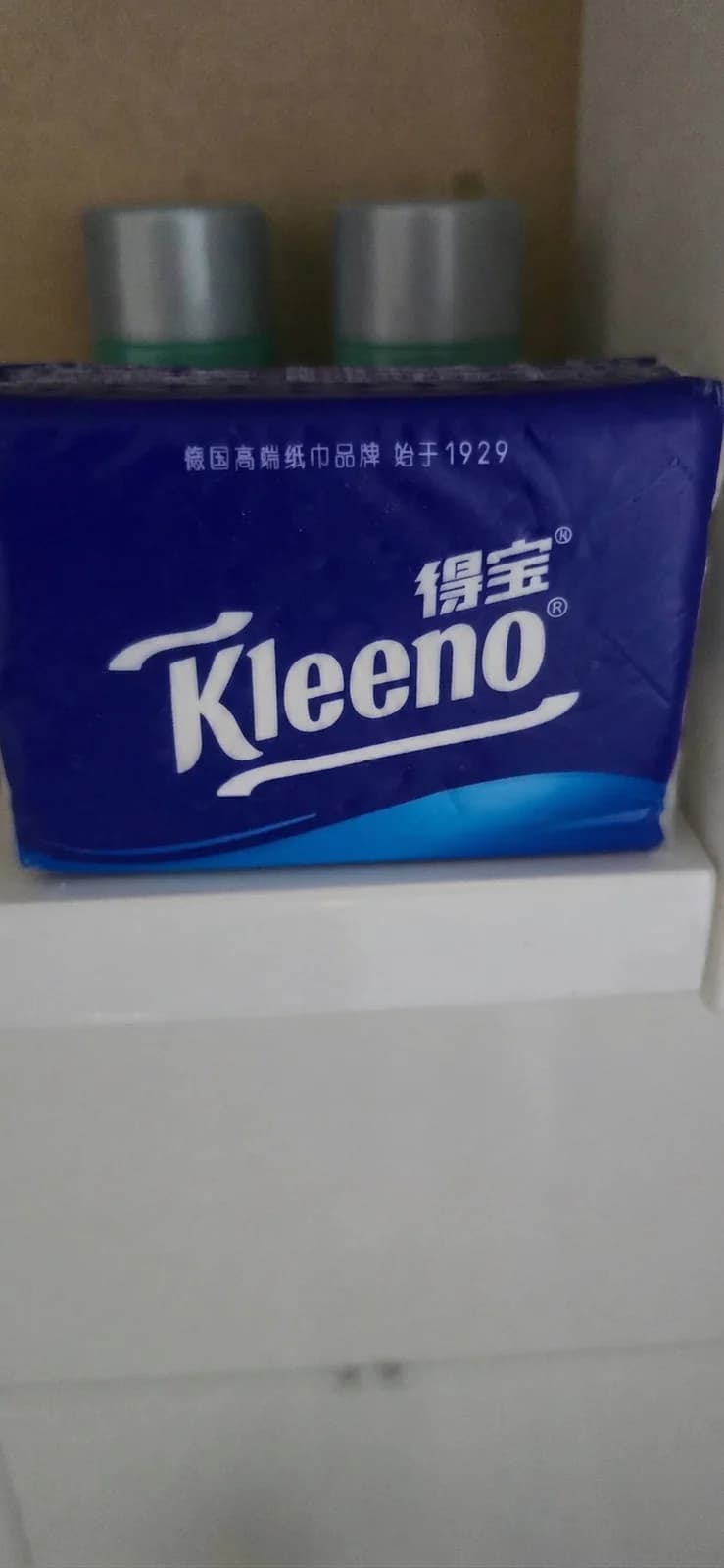
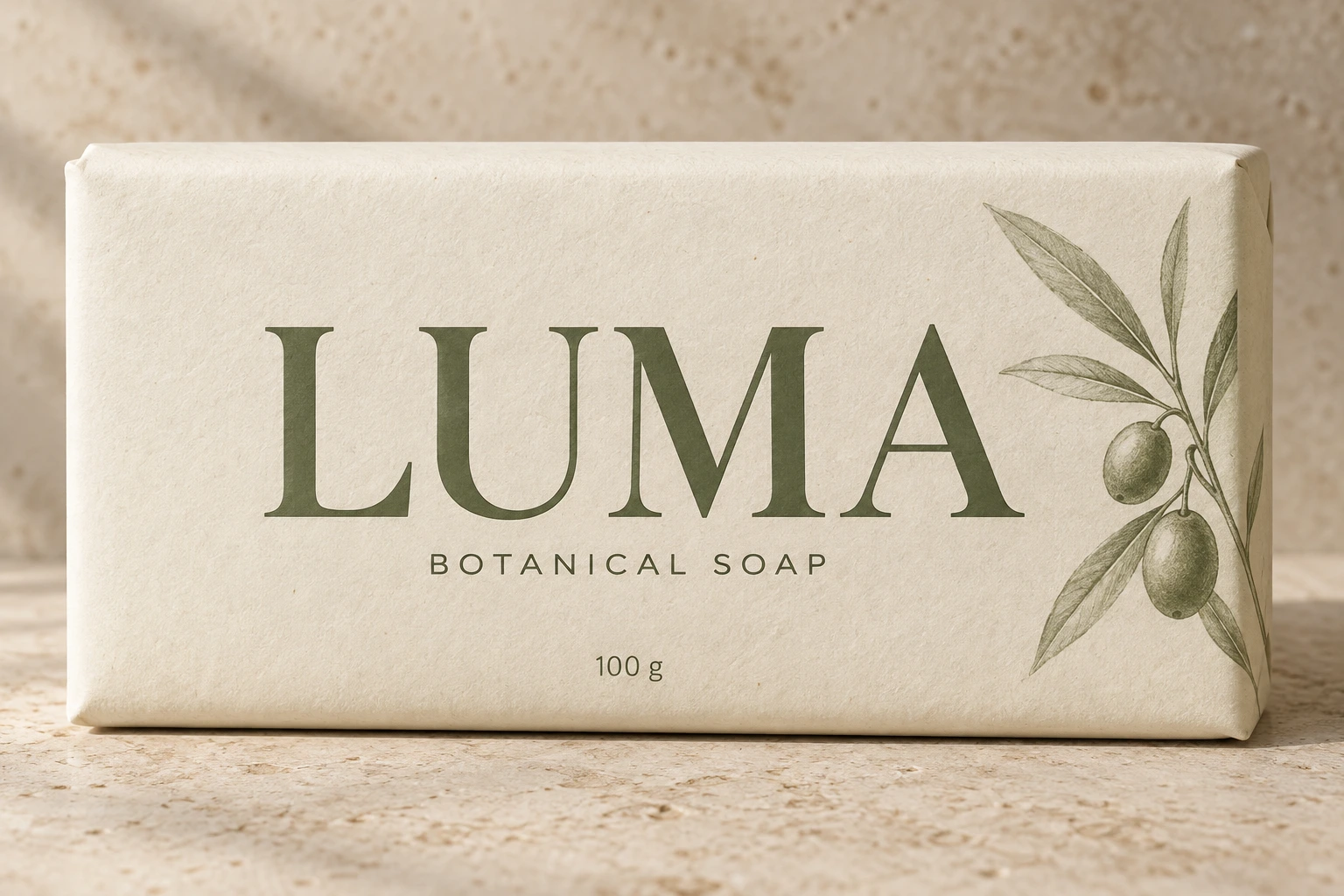
Update wording on a promo image, a pack label or a printed menu for a new market or a new price, without booking the photography again.
Screenshots and product docs
Fix a typo, correct a value, or swap a label in a UI screenshot so a help article, a deck or a walkthrough stays accurate — no rebuilding the screen and re-capturing it.
Documents, forms and templates
Build a filled-in sample of an invoice, form or certificate for a demo, a template or a training deck, localise a scanned document, or black out a detail before you share it.
Typos in AI-generated images
Image models still garble lettering. Fix the misspelt word instead of rerolling the prompt and losing the composition you liked.
Photos, signage and social
Correct a sign, a shopfront, a caption or a label that was wrong when the picture was taken, or re-caption a template across a whole set of posts.
What is this tool?
It is an online AI image text editor. To change text in an image, you give it a picture where the words are already rasterised into the pixels, point at the words you want changed, and type what they should say instead. The model reads the surrounding type and background and redraws that part of the picture, so the replacement carries the original font, weight, colour and spacing rather than sitting on top of it in whatever font you happened to pick.
That is the difference from a design tool. Canva or PS Express can put a new text box over the old words, but the old words are still there underneath, the background patch rarely matches, and the font is whatever you found in the dropdown. Here the change happens in the image itself, which is why you do not need the source file, the original font, or any masking work.
It runs in the browser. Upload a PNG, JPG or WebP, replace the text, compare the result against the original, and download it. New accounts get free credits, and one image costs one credit however many text boxes you change in it.
Why not just do it in Photoshop?
Because doing it by hand means identifying the exact typeface, licensing and installing it, erasing the old words, reconstructing whatever was behind them, and then matching the lighting and grain so the patch does not show. That is a competent afternoon's work for someone who already knows the tools. Here the same job is a click, a retype, and a look at the comparison — and if the result is not right, you say so and nothing is charged.
The trade is control for speed. Photoshop will always win on a hero image you are going to stare at for a week. This wins on the forty images you need corrected today.
How your images are handled
You approve every result
The whole frame is redrawn, so we show you the edited areas magnified against the original and ask you to confirm. No confirmation, no delivery, no charge.
Deleted after 48 hours
Uploads and results are removed once the window closes. Deleting a job removes the file itself, not just the row that points at it.
Never used for training
Your pictures are processed to produce your result and for nothing else. They are not added to a training set and not sold on.
You decide what you edit
We do not screen your images by category — invoices, forms, screenshots and scans are ordinary things people need to edit. What you may not do is pass an edited image off as a genuine record, or use one to deceive someone for gain. The Acceptable Use Policy sets out the line.
Frequently asked questions
How editing text in images actually works here.
Make the text in any image editable.
Bring the picture. You do not need the source file, the font, or a design tool.
Edit an image